

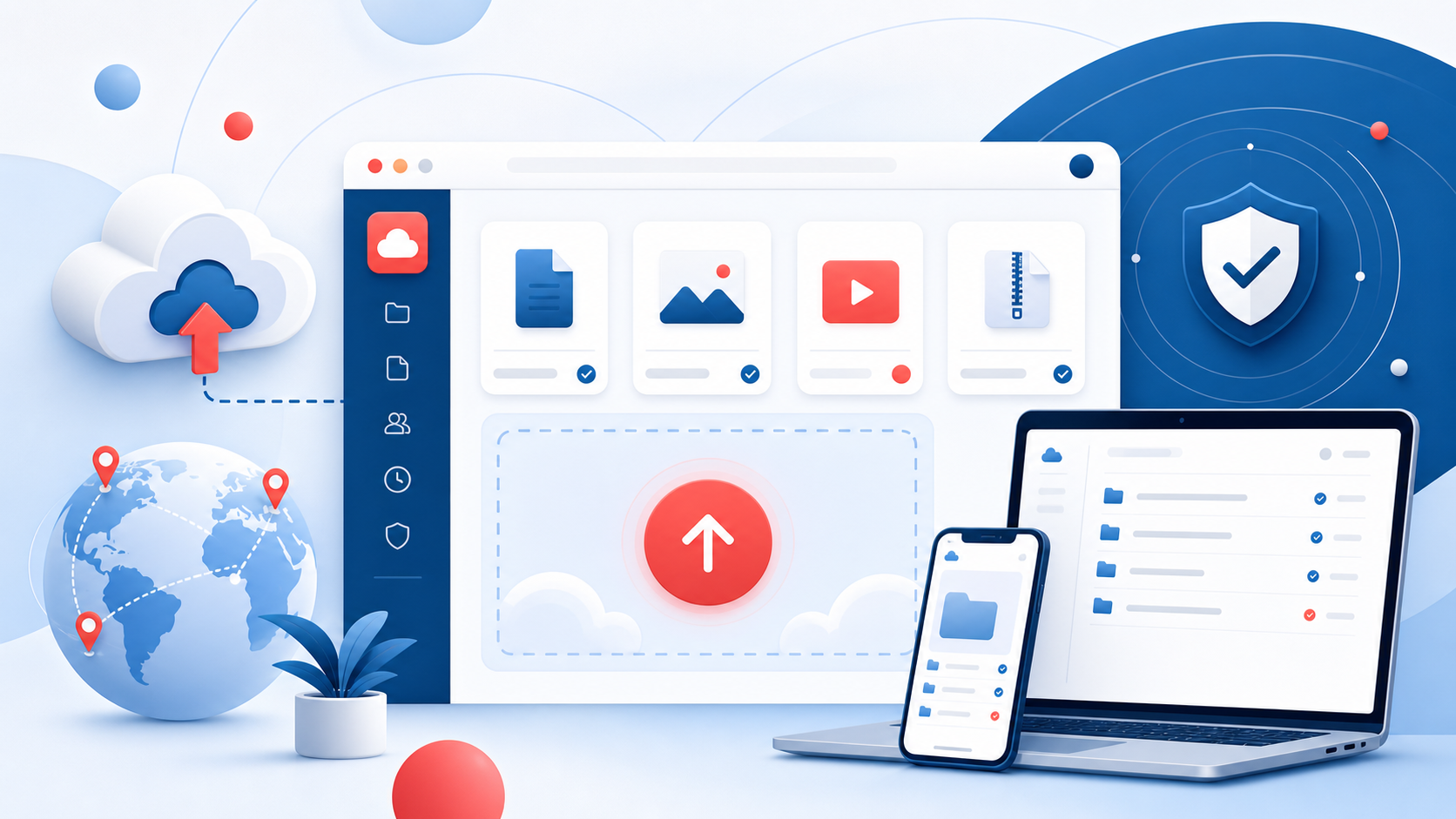
How Remote Upload Saves Time for Large File Workflows
Remote upload is one of the most practical features a file hosting platform can offer, especially when your workflow involves large files, repeated imports, or files already hosted elsewhere. Instead of downloading a file to your own device and uploading it again, remote upload lets the platform fetch the file directly from a public URL.
That sounds simple, but the time savings can be significant. For publishers, community managers, and resource curators, remote upload reduces friction and makes it easier to keep a cleaner content pipeline.
What Remote Upload Actually Does
With remote upload, you paste a direct file link into the platform and let the server handle the transfer. That means your own connection is no longer the bottleneck for every file move. You avoid the double step of downloading first and uploading later.
For larger archives, update packs, public media resources, or mirrored files, this can be much more efficient than working manually. It is also useful when you are traveling, working from a limited connection, or organizing many files at once.
Why It Matters for Large Files
Large files expose every weak point in a clumsy workflow. If a creator has to download a multi-gigabyte file locally, wait for it to finish, and then upload it again, they lose time and introduce more chances for interruption. Remote upload removes that extra loop.
It also pairs naturally with good delivery practices. If you are already thinking about cleaner public download pages and a better experience for large files, the operational side should be just as efficient. That is why remote upload works well alongside guides like Best Ways to Share Large Files Without Slowing Down the Download Experience.
Better for Repeated Publishing Tasks
Many file workflows are repetitive. A publisher may collect versioned documents, post weekly resource packs, maintain mirrored downloads, or reorganize content for a community archive. In those cases, any reduction in manual steps adds up quickly.
Remote upload can help you move faster because it keeps the workflow closer to the actual source. Instead of treating your own laptop as a transfer station, you let the platform handle the import directly.
Useful for Teams, Creators, and Curators
The feature is not only for technical users. It also helps creators who manage templates, educators who gather downloadable materials, and curators who publish organized file collections for a niche audience. In all of those cases, speed matters, but consistency matters too.
If your file hosting platform also lets you edit names, descriptions, and destinations after import, the result is a process that feels much more deliberate. The upload becomes part of a system rather than a one-off task.
Remote Upload and SEO Work Together Indirectly
Remote upload is not an SEO trick by itself, but it can support a better SEO workflow. If it becomes easier to import files, organize them, and publish them quickly, it also becomes easier to support those files with useful content. That means more guides, more context, and more reasons for Google to understand what the file is about.
When file pages are supported by content instead of floating as disconnected links, your whole site becomes easier to grow. That is especially important if you are also building content around upload and monetization topics, such as How to Upload Files and Earn Money Online in 2026.
What Makes a Good Remote Upload Setup
A strong setup is still about quality control. Use direct URLs that point to the actual file, keep naming clean, and organize imported files into the right folder or category. If the imported file is public-facing, make sure the download page still explains what it is and why it matters.
Remote upload saves time, but clarity still drives results. If the file arrives faster but the page looks weak or confusing, you lose the benefit on the user side.
Final Takeaway
Remote upload is one of those features that feels small until you start using it at scale. It removes unnecessary transfer steps, saves time on large files, and helps publishers build cleaner workflows. For anyone managing recurring file imports or large downloadable resources, it is a practical advantage rather than a gimmick.
Used well, it helps the platform feel faster, more modern, and more capable for real-world publishing tasks.
Related Articles
How to Create Download Pages That Feel Safer and More Trustworthy
Discover how cleaner layouts, stronger file context, and visible support paths make public download pages feel safer and more trustworthy.
Best Ways to Share Large Files Without Slowing Down the Download Experience
Discover how to share large files with better speed, clearer download pages, stronger trust, and a smoother user experience across devices.


Comments (0)
No comments found