

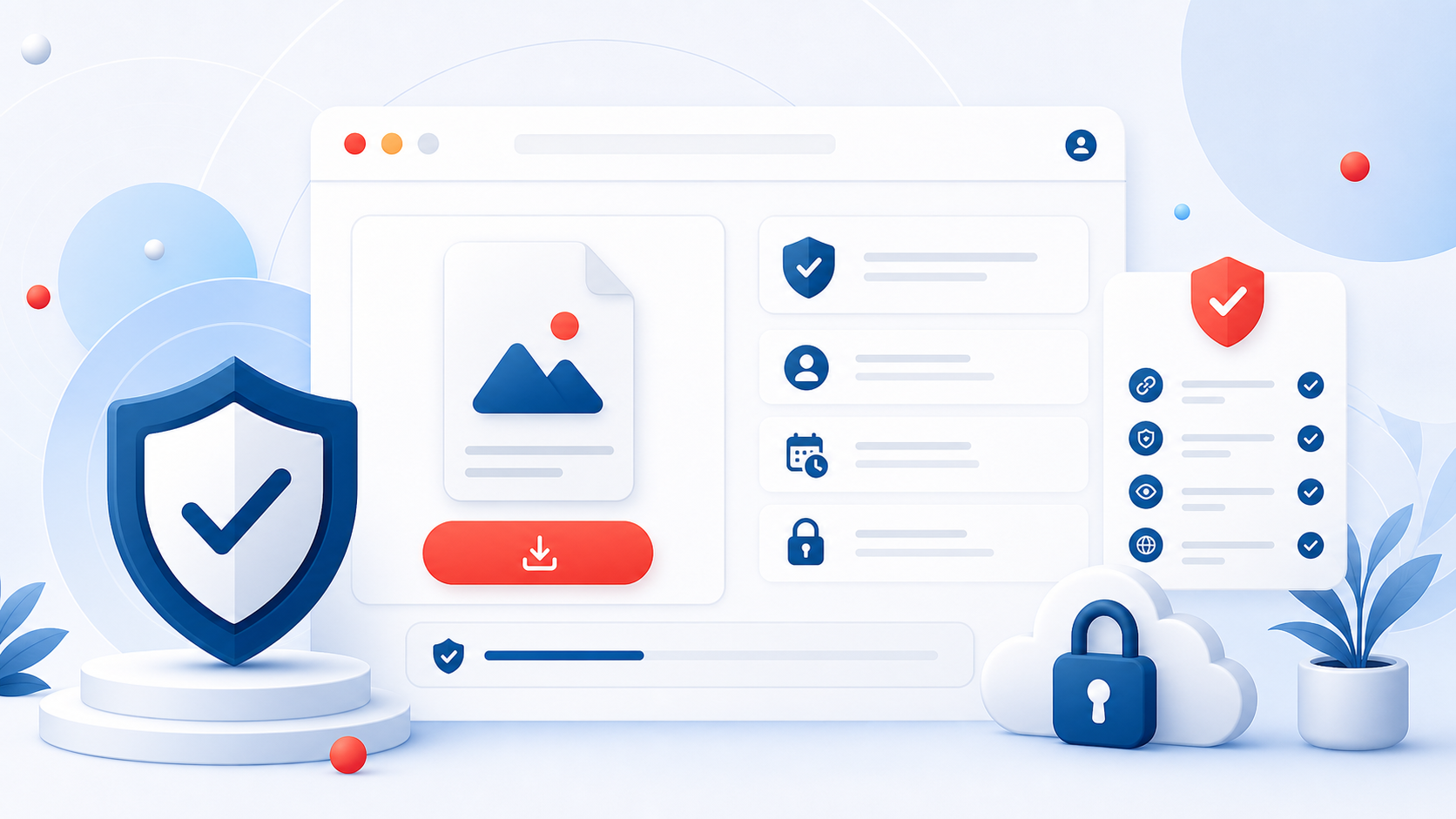
How to Create Download Pages That Feel Safer and More Trustworthy
Trust is one of the biggest conversion factors on any file hosting site. People decide very quickly whether a download page feels legitimate, confusing, or risky. If the page looks cluttered, vague, or generic, users hesitate. If it looks clear and intentional, they are far more likely to continue.
That matters for SEO too. Better pages improve user signals, reduce bounce, and support stronger long-term visibility because the page has a clearer purpose.
Start With File Clarity
A safer-feeling page starts with plain information. The file name should be descriptive, the file size should be visible, and the user should understand what the file contains before clicking the final download action. Confusion creates suspicion.
Even small details help. A proper title, a short explanation, and a realistic layout make the page feel more like a useful product page and less like a disposable redirect.
Explain What the Visitor Is Getting
Users trust pages more when the surrounding content answers basic questions. What is the file for? Who is it useful for? Is it a document, archive, update package, media kit, or resource pack? If a file has requirements, say so. If it is a compressed archive, say so. The goal is to reduce uncertainty before the last step.
That is one reason blog content can help. Articles create context around the file and help users arrive with better expectations.
Reduce Visual Noise
Many weak file hosting pages try to do too much at once. They overload the layout with unrelated elements, generic filler text, and repetitive calls to action. That approach usually hurts trust. A cleaner page does not need to be empty, but it should make the next step obvious.
If the visitor cannot immediately see the important information, they are more likely to leave. Good structure is one of the easiest wins.
Use Real Support and Abuse Channels
Trust also increases when a site looks accountable. Public support pages, a real contact form, and a visible abuse reporting path all make the platform look more serious. They show that there is an actual system behind the download page.
That is why pages like Contact Us and Report Abuse matter beyond compliance. They help visitors feel that the platform is managed and not abandoned.
Make the Platform Look Consistent
Trust is not built by a single sentence. It comes from consistency. If the home page looks polished but the download page looks neglected, confidence drops. If the site's illustrations, typography, and messaging feel aligned, users are more likely to believe the service is legitimate.
That consistency should extend to the file detail itself. The stronger the naming, description, and organization, the less likely the page is to feel improvised.
Mobile Experience Matters Here Too
Many users land on download pages from mobile search or community links. If the page feels cramped, hard to understand, or messy on a smaller screen, trust suffers quickly. A page that feels acceptable on desktop can still underperform badly on mobile.
That is why clean spacing, focused information, and a strong visual hierarchy are worth the effort. Mobile usability is often the difference between curiosity and completion.
Trust Supports Monetization
For pay-per-download platforms, trust is not separate from earnings. If a user does not trust the page, they do not complete the process. Better trust means better completion rates, and better completion rates support stronger monetization over time.
This is one reason the pay-per-download model works best when paired with quality pages and good content, as explained in Get Paid Per Download: How the Model Works for Publishers and Creators.
Final Takeaway
Creating safer-feeling download pages is mostly about clarity, accountability, and cleaner presentation. Show users what the file is, make the next step obvious, reduce clutter, and support the page with real site infrastructure. When people trust the page, they are more likely to stay, download, and return again later.
For a file hosting platform, that is one of the most durable improvements you can make.
Related Articles
How Remote Upload Saves Time for Large File Workflows
Learn how remote upload streamlines large file workflows, saves transfer time, and supports a cleaner file publishing process.

Best Ways to Share Large Files Without Slowing Down the Download Experience
Discover how to share large files with better speed, clearer download pages, stronger trust, and a smoother user experience across devices.


Comments (0)
No comments found